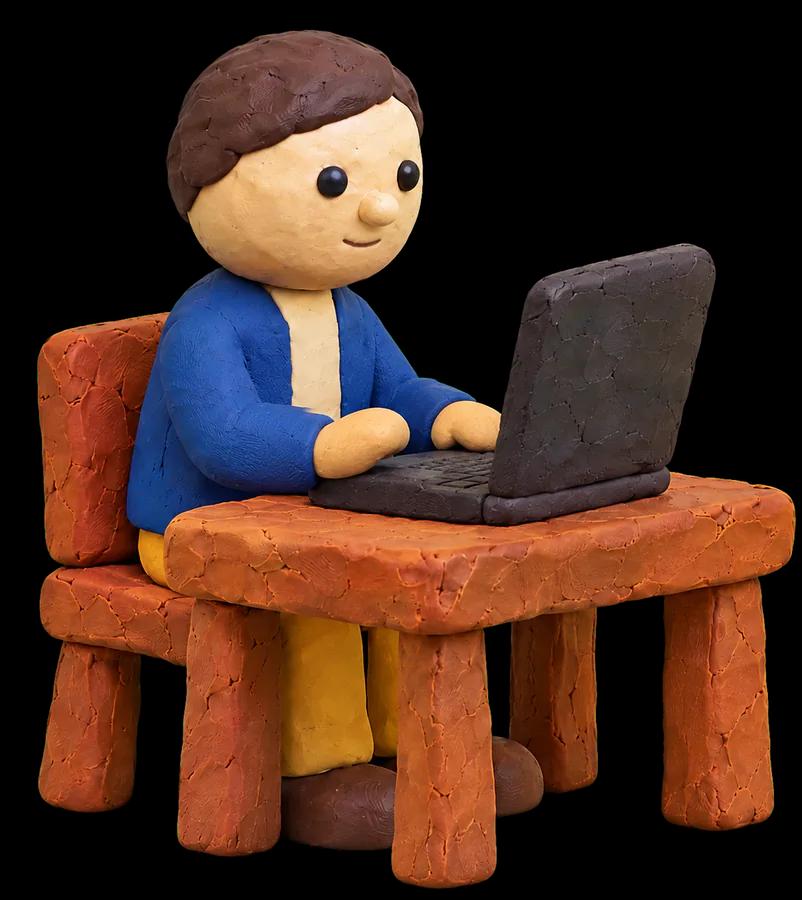
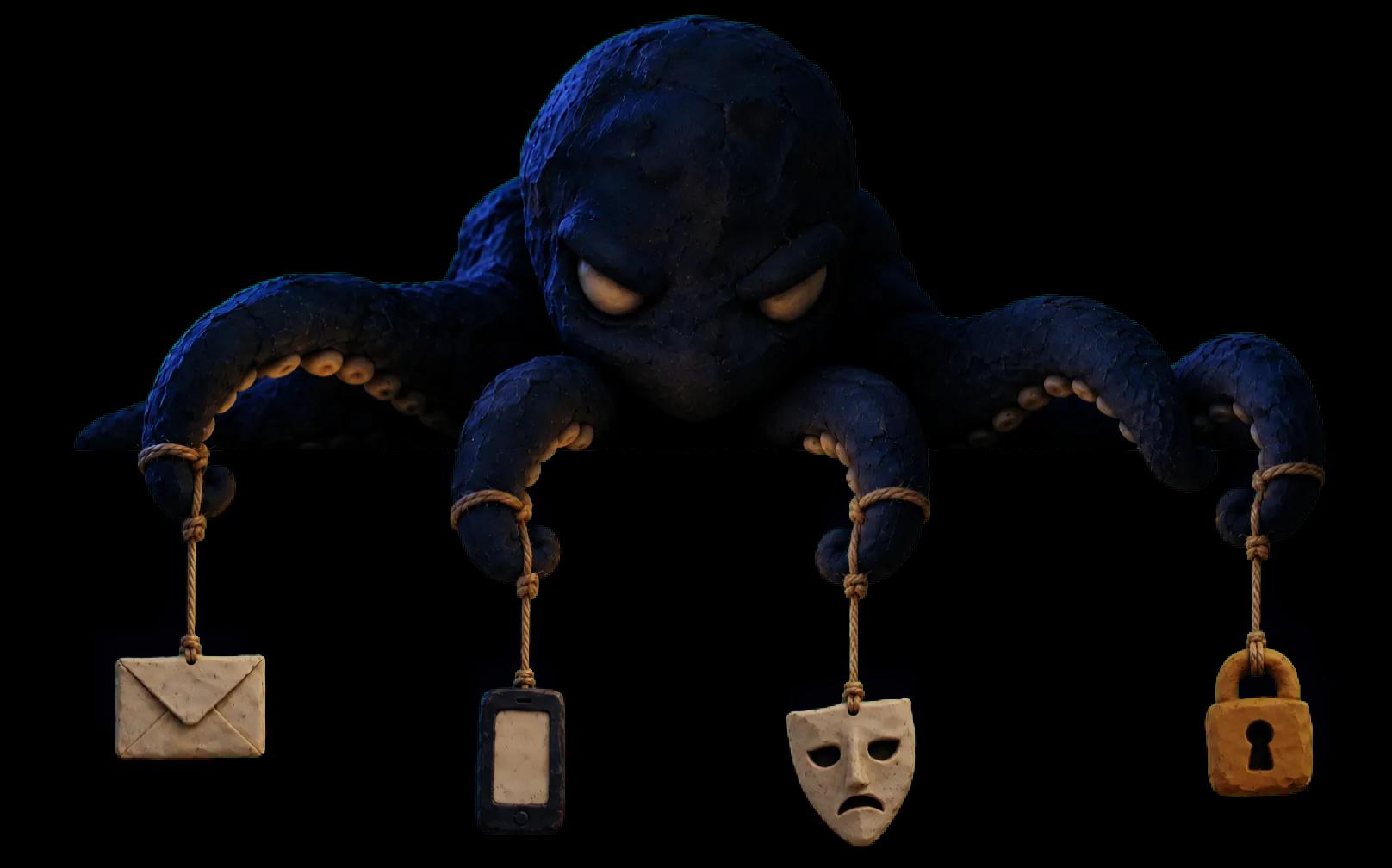
Scams come in all shapes and sizes.
Most end up in your browser.
Browser Protection warns you as a dangerous site opens, wherever the link came from, before you type a password or a card number.
Even careful people
click bad links.
Browser Protection is a free extension from Have I Been Squatted. It warns you when a site looks like phishing or poses as one you trust.
- Free
- No account
- Private
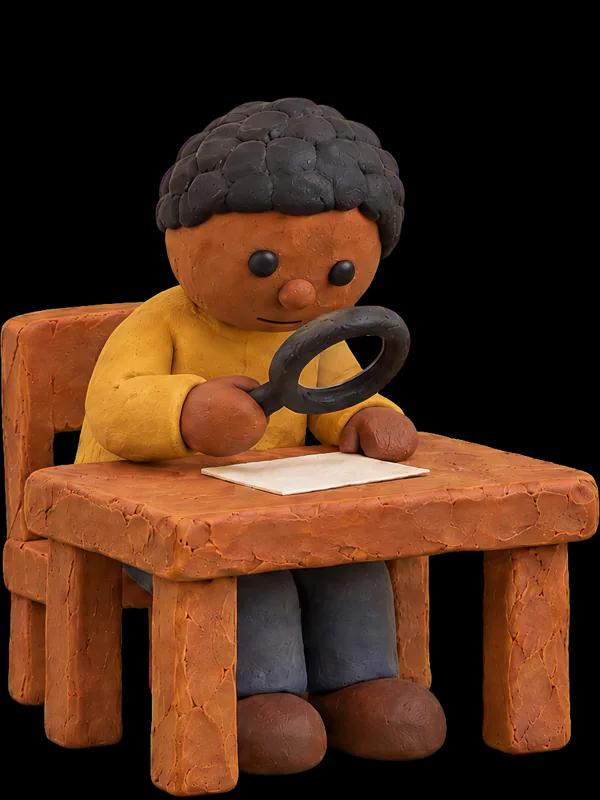
No more squinting.
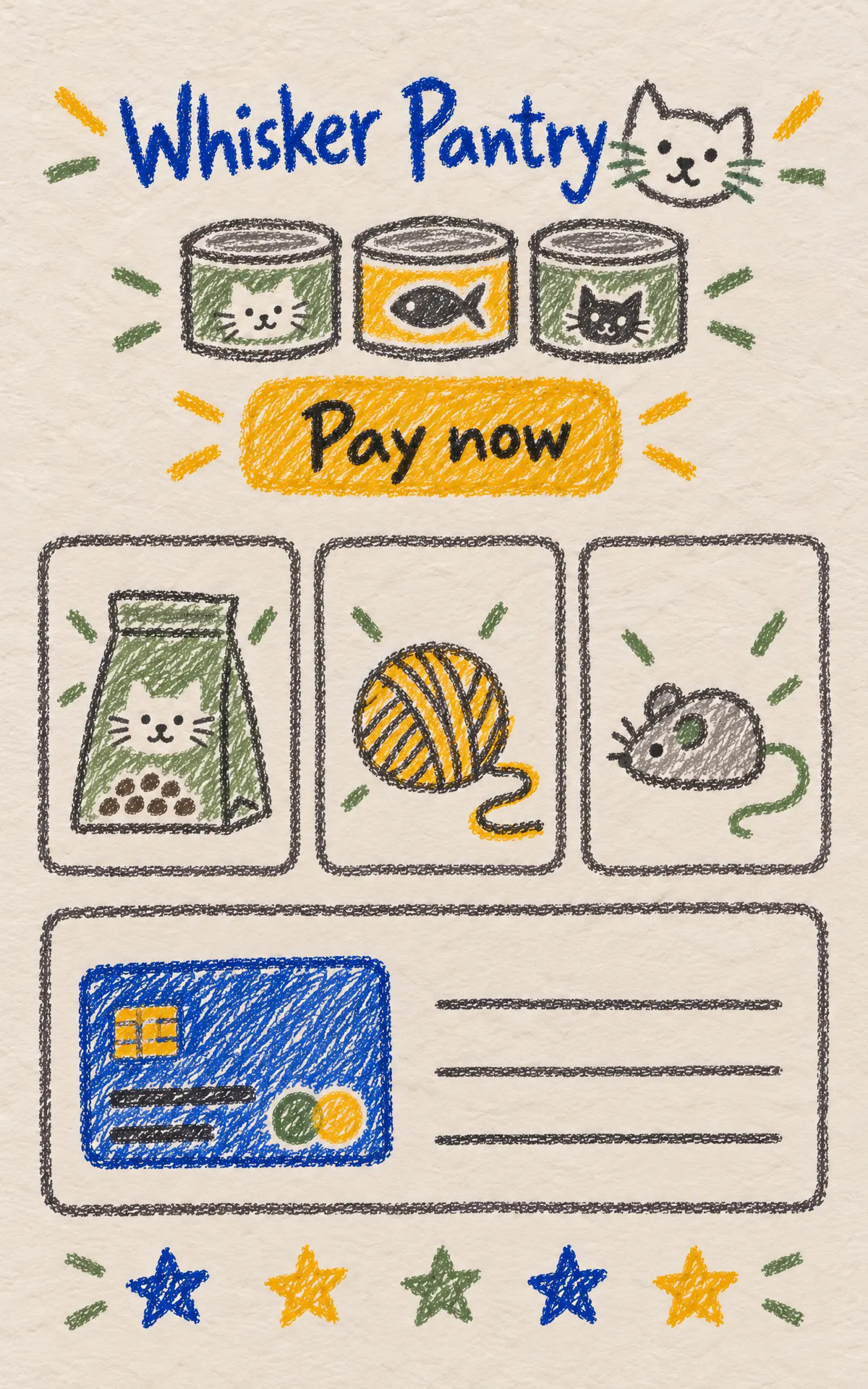
Checked just now
This site may be trying to steal your information
Have I Been Squatted found strong signs of phishing. Do not sign in or enter personal or payment details.
Leave scammers on read.
GmailOutlook
Check the links in your emails
Open an email to check its links and sender. Browser Protection checks each email on your device. Only site names are sent to Have I Been Squatted. Nothing else leaves your browser unless you report the email.
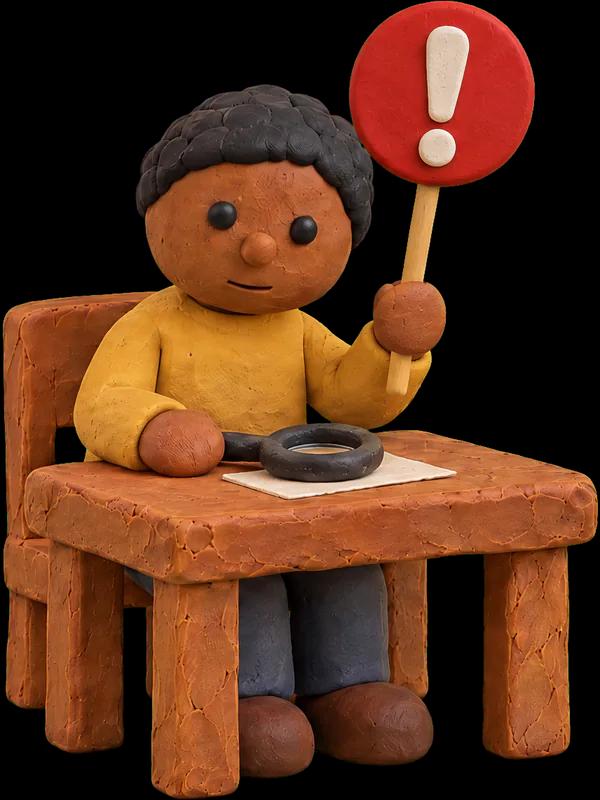
Snitching encouraged.
Checked just now
No issues found
Have I Been Squatted found no sign that this site is fake or trying to steal your information.
Report this site
Tell Have I Been Squatted that whiskerpantry-orders.shop looks harmful. Browser Protection sends your answers below and the information listed under What we send.
Do not include personal information.
0 of 500 characters used
What we send
Sends everything in Minimal, plus the page address and the earlier pages in this tab, including other sites and when you visited them. Likely private details in these addresses, such as email addresses and tokens, are masked. It also sends your browser, browser engine, and operating system with their main version numbers, your device type, the page title, description, and site icon, and a summary of the page. The summary has counts such as forms, password fields, scripts, and frames from other sites. It also names the page language, whether the page uses HTTPS, the site that linked to the page, and the sites its forms send to.
Protection that doesn’t
follow you around.
Browser Protection is designed so we can’t track you. Your browser asks us about each site you open through an that cannot see which site it is. In turn, we can’t see your .
- No account. No ads. No tracking.
- We do not sell your data.
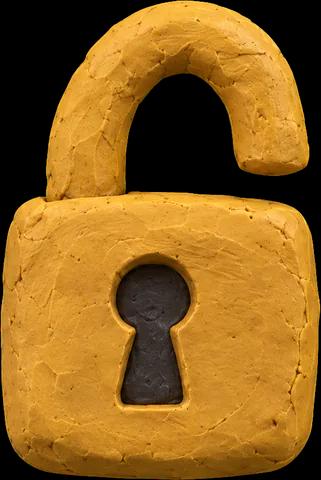
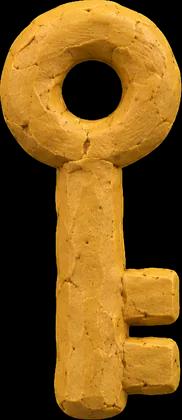
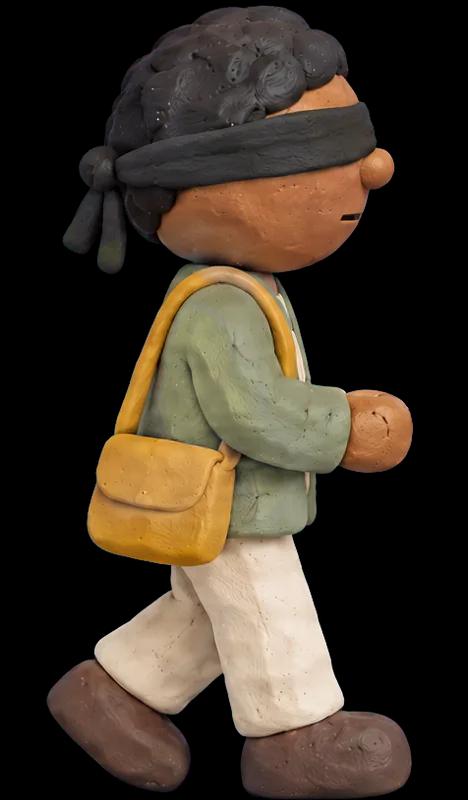
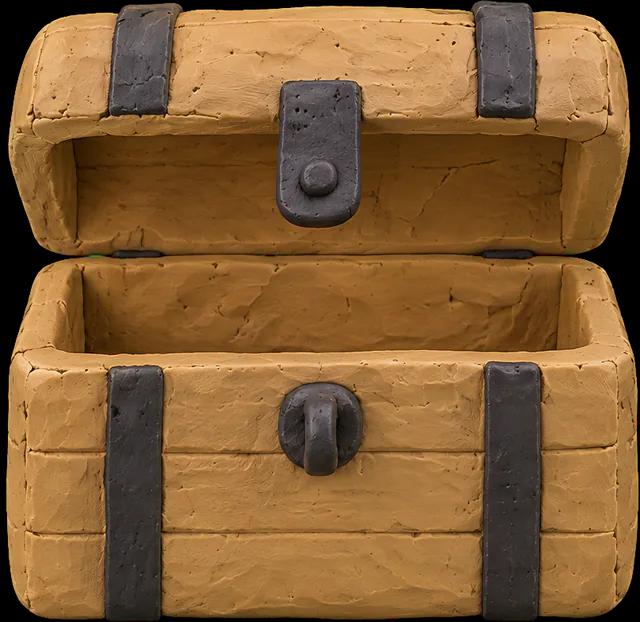
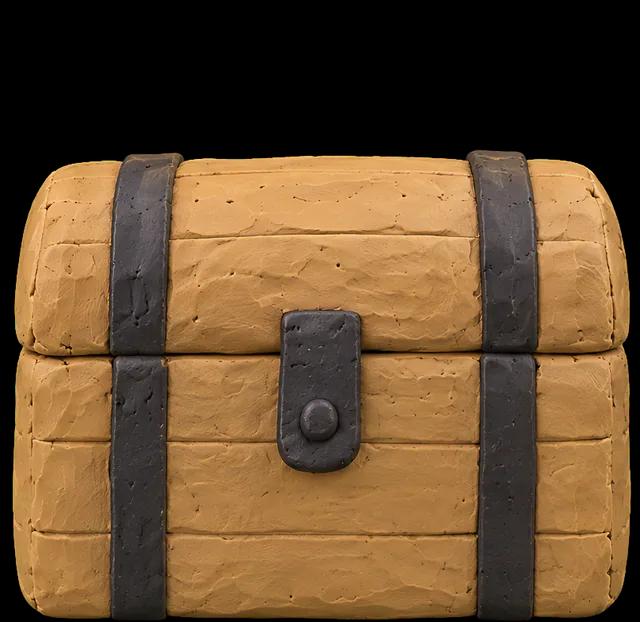
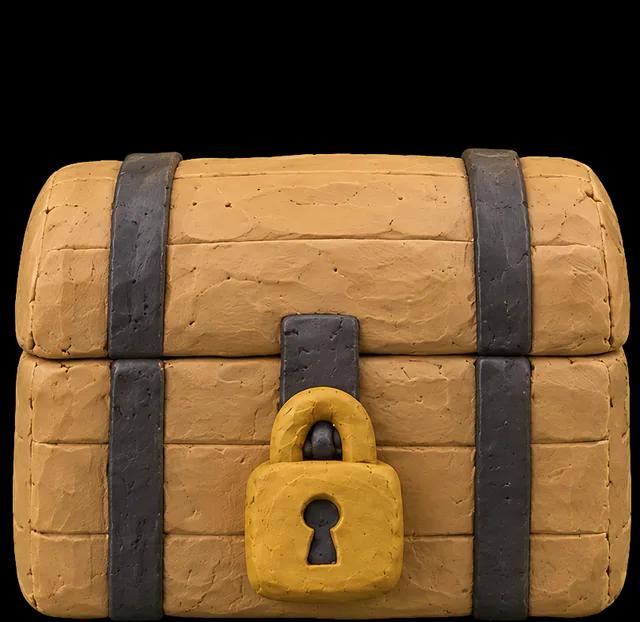
- Your browser the site being checked. Only Have I Been Squatted can decrypt it.
- Sees your
- Cannot see the sites being checked
- Cannot see your IP address
- Decrypts the site being checked with our
We cannot see your IP address, so we cannot tie the sites you visit to you.
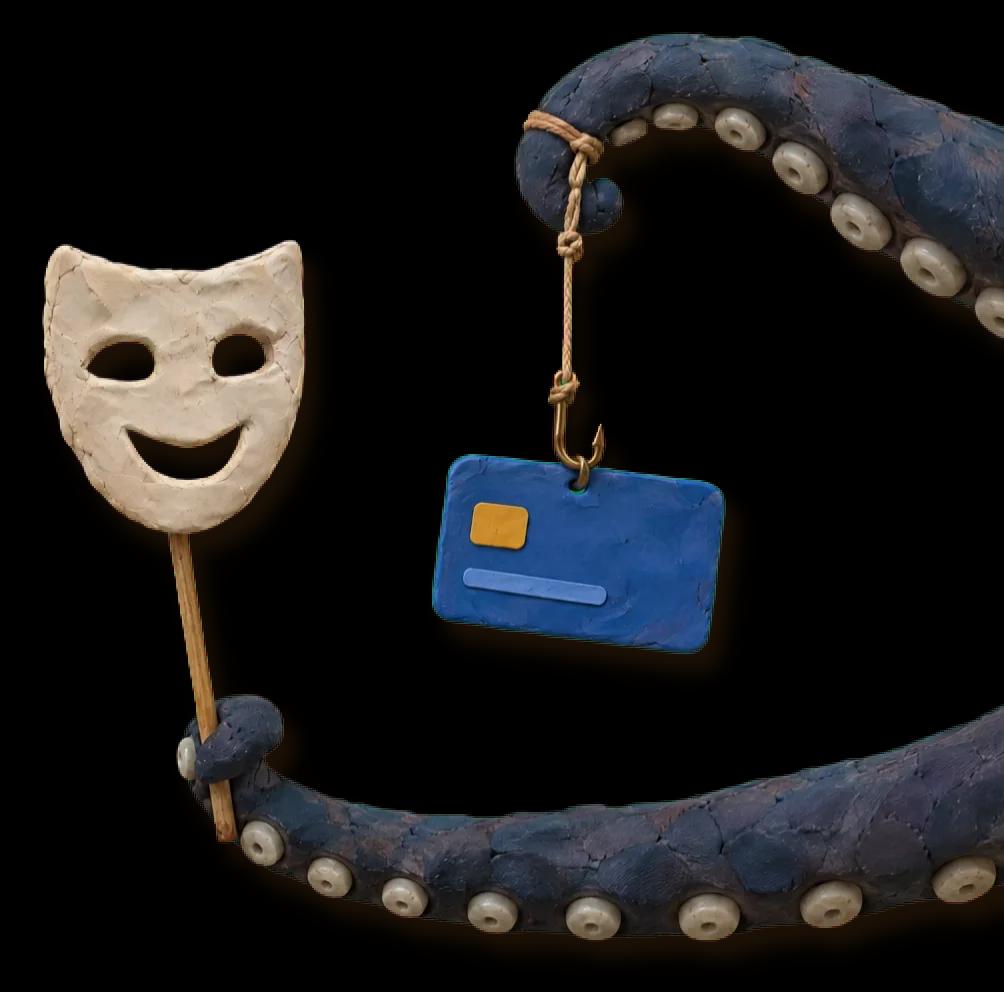
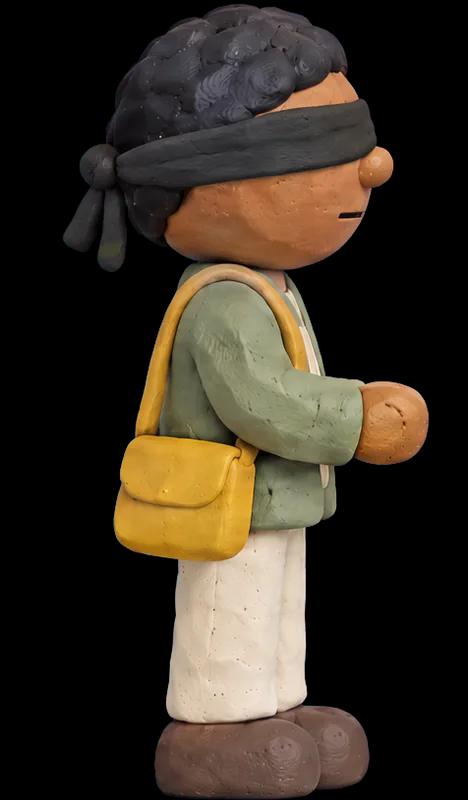
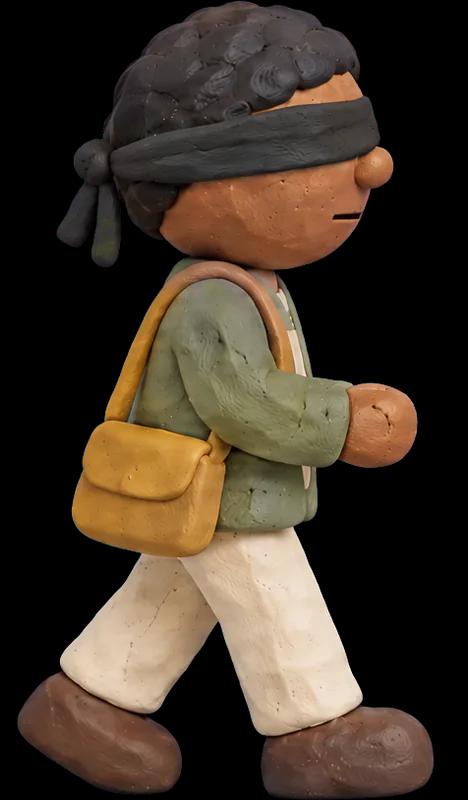
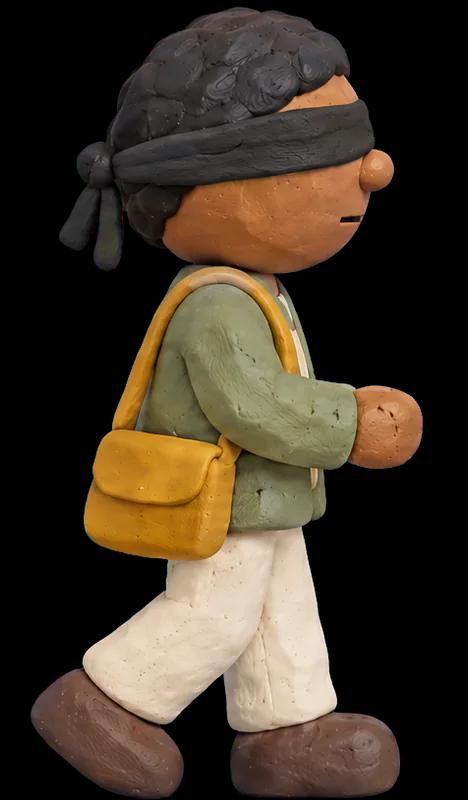
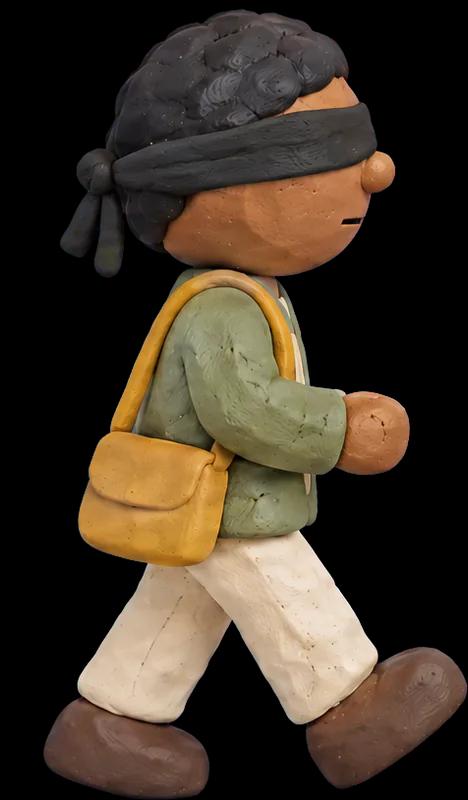
Watch the film.
A short claymation about why we made Browser Protection.
Questions
Is it free?
Yes. There is nothing to pay and no account to create.
Which browsers does it work in?
Chrome on your computer. It does not run in Incognito windows, so you get no warnings there.
Does it see what I type, or my passwords?
No. Browser Protection uses only the name of the site, such as whiskerpantry.shop. The page and anything you type never leave your browser.
Does Have I Been Squatted know which sites I visit?
No. Browser Protection uses a technology called Oblivious HTTP to hide your IP address from us. We can tell that someone visited a site, but not who. If that route is down, Browser Protection asks us directly instead, unless you turn on Private checks only in its settings.
Is anything reported automatically?
No. A site or an email reaches us only when you choose to report it, and you decide how much to share. If you add a screenshot, you can hide anything in it that you would rather keep to yourself.
If there is no warning, is the site safe?
No warning means Browser Protection found nothing wrong with the site. If a site still seems off to you, report it. Each report helps us protect other people from it.
What if a legitimate site gets flagged as dangerous?
We work hard to keep that from happening, and you stay in control. Select Always trust to stop warnings for that site, or Report mistake to tell us we got it wrong.
Does it read my email?
Only if you turn on Gmail or Outlook protection. Browser Protection then reads the open email in your browser to find its links and its sender, and looks up those site names the same way it looks up the sites you open. The email itself never leaves your browser and never reaches us, unless you choose to report it.
Does it replace my antivirus or Chrome's own protection?
No. It adds another layer. It warns you about phishing and lookalike sites, and it does not scan files you download.
How do I turn it off?
Open Settings and turn protection off. Browser Protection then stops looking up sites until you turn it back on. To remove it for good, remove it from Chrome like any other extension.
Who is Have I Been Squatted?
A company that tracks dangerous domains and phishing sites, and helps organizations detect them and take them down. Browser Protection is its free tool for everyone.